
Install the Admin App on Windows
For Windows 10 or later on x64 computers. For a first trial, you can also open Web Admin without installing anything.
- Open Software Downloads → Admin installers and select the Windows Admin package.
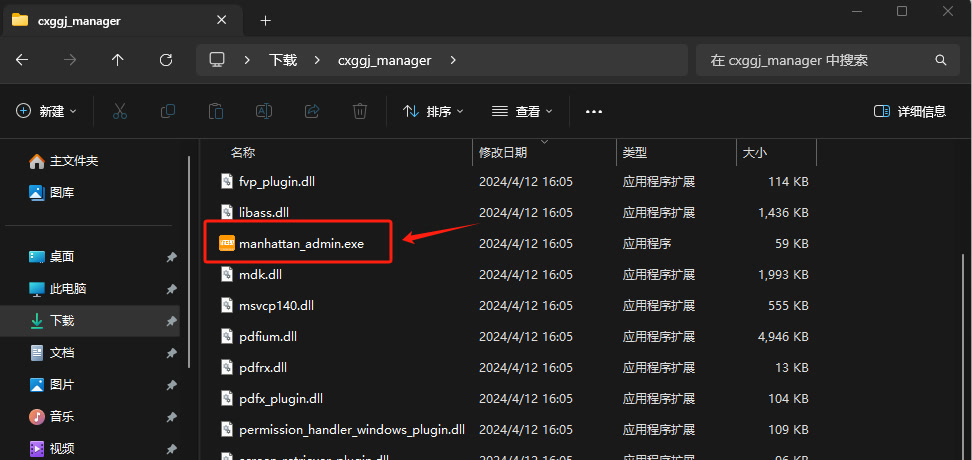
- Run the installer if supplied. For a ZIP package, extract the whole archive to a folder before launching the application inside; keep its companion files together.
- Open the Admin app and sign in to the account managing your devices.
The picture below shows a portable package. Folder and executable names can differ between releases.
Continue with your first image on a screen.