
If you want to make a usable program quickly instead of building the layout from scratch, this is usually the best method.
For most beginners, creating from a template is the fastest and easiest way to get started.
Your goal is not to find a template that is exactly the same as your final result. Your goal is to find the one that is closest to your needs, then replace the text, images, videos, or layout as needed.
Step 1: Open the Template List
Open the Admin End and switch to the template page.
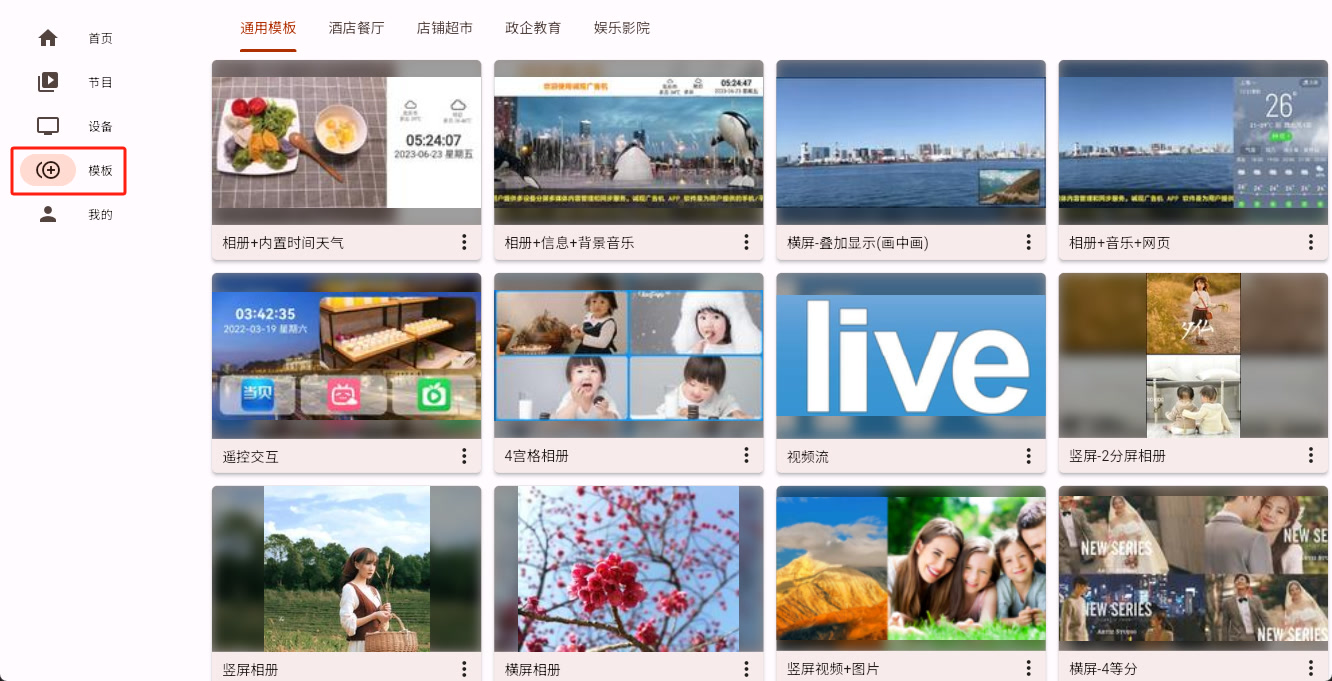
Step 2: Choose the Template That Is Closest to Your Needs
Choose the template that is closest to what you want, open its detail view, and then click the "Use this template" button in the lower-right corner.
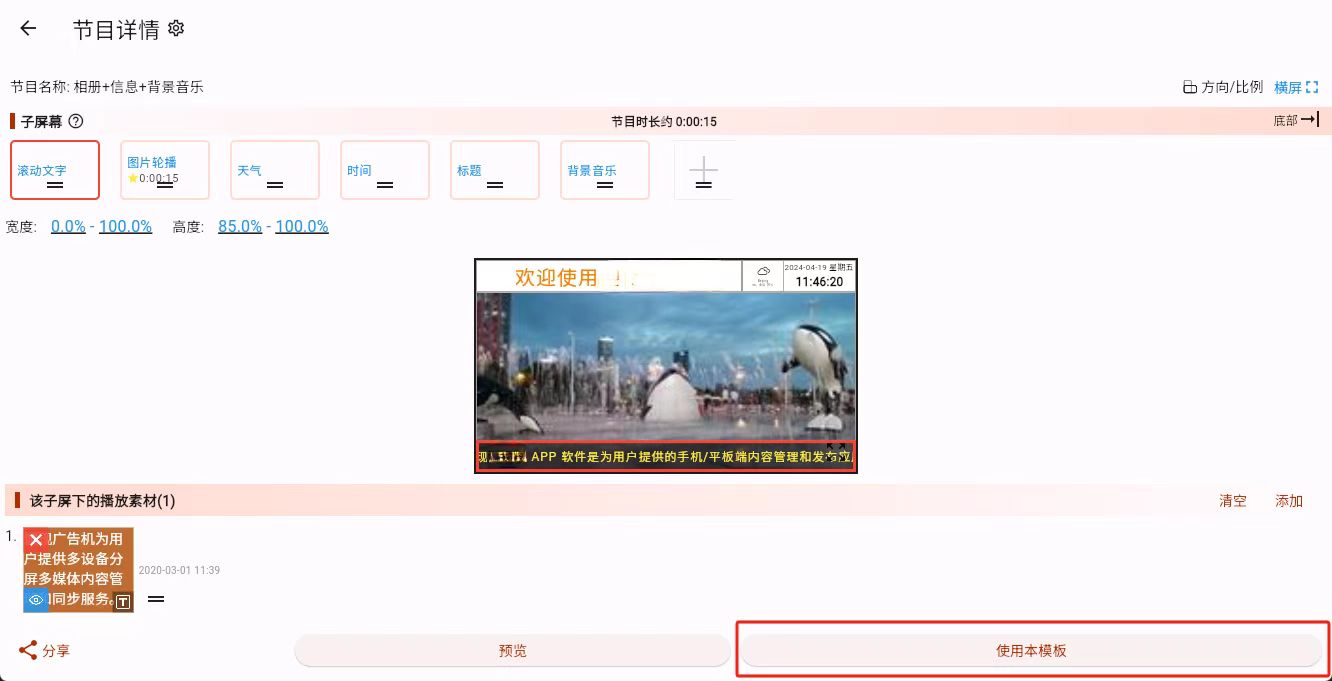
Step 3: Generate a Program from the Template
At this point, a program based on that template has been created. You can now edit it and turn it into your own final program.
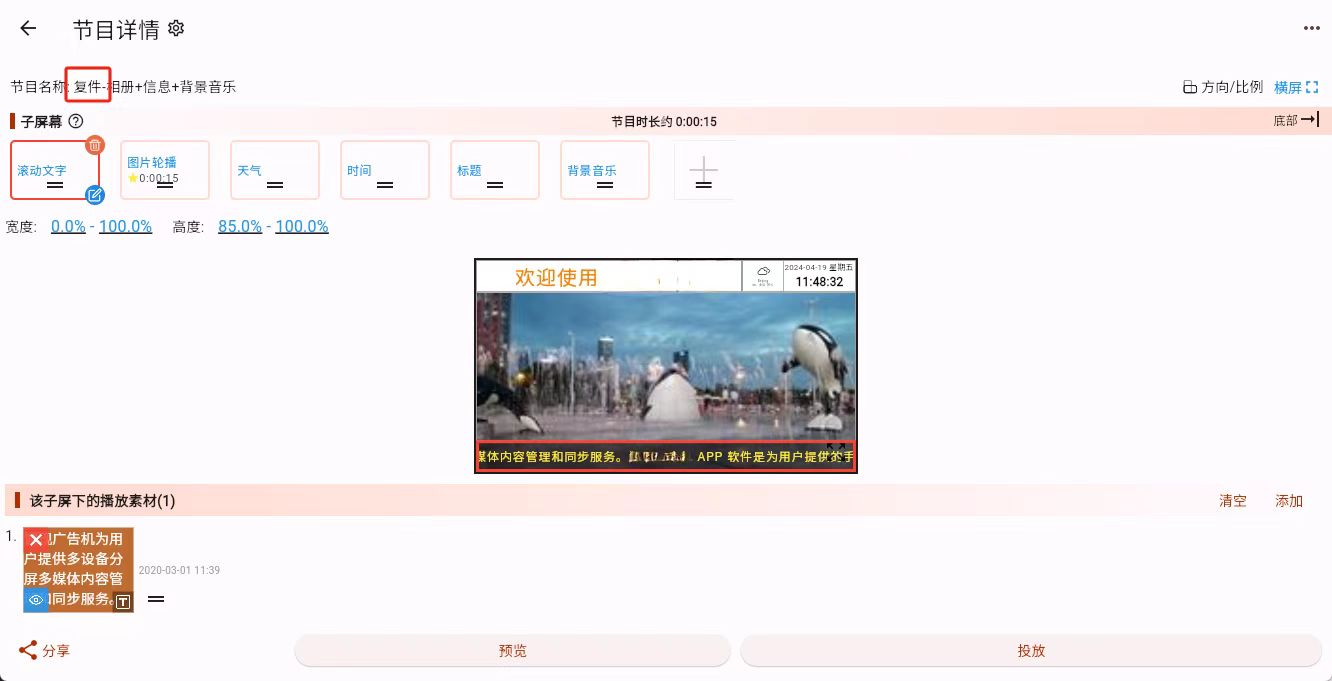
What to Do Next
If the new template-based program already appears in the program list or editing page, then the creation step succeeded.
The next step is usually one of these:
- If the layout is already close enough and you only need to replace content: go to Material Editing
- If the layout still needs adjustment: go to Sub-screen Editing