
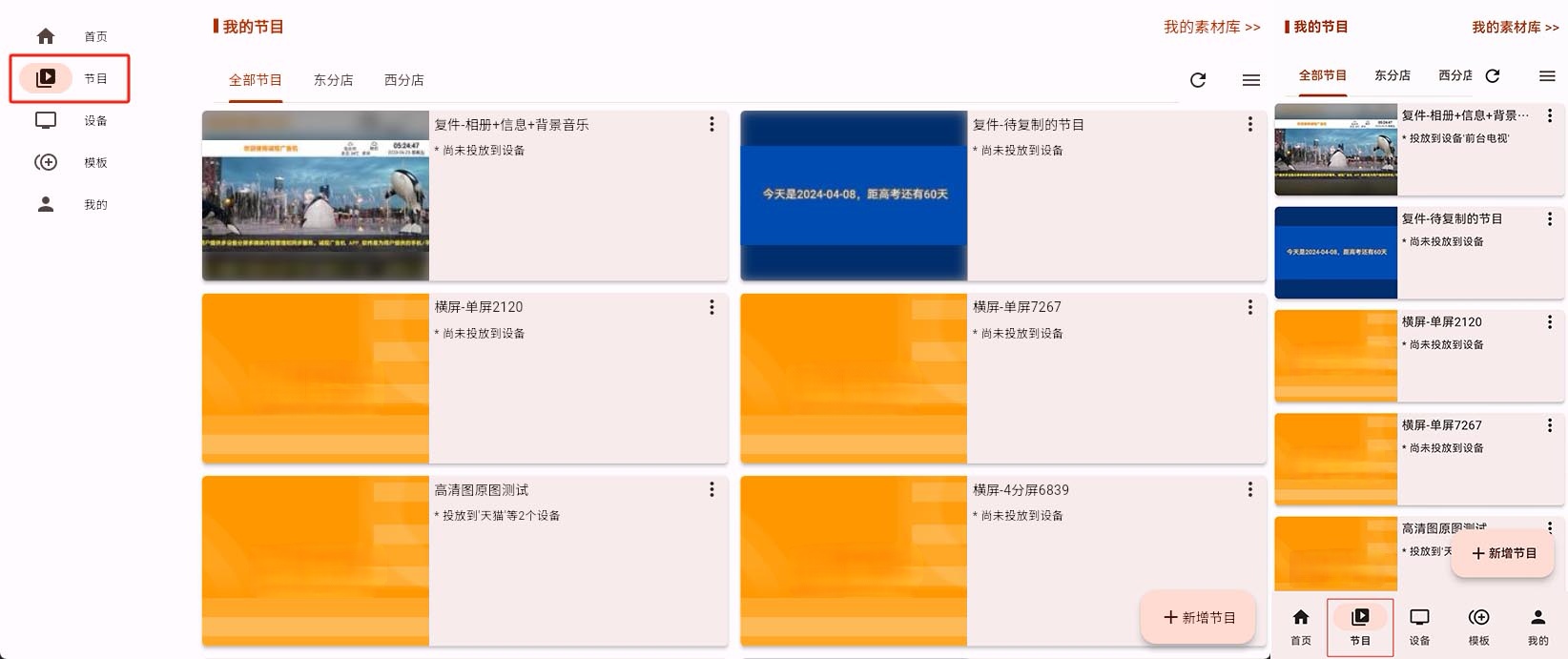
A program is one complete page that will eventually be published to the display device for playback.
If this is your first time making a program, you can understand it as 3 layers:
- Program = one complete page that will be played on the screen
- Sub-screen = one content area inside that page
- Material = the actual content inside that sub-screen, such as images, videos, text, or web pages
For example, a digital menu board could be built like this:
- One sub-screen at the top for image rotation
- One sub-screen in the middle for video
- One sub-screen at the bottom for scrolling text
This software supports sub-screens natively, which means you can create different content areas anywhere on the screen. Each sub-screen can be edited independently, and the materials inside it can also rotate independently.
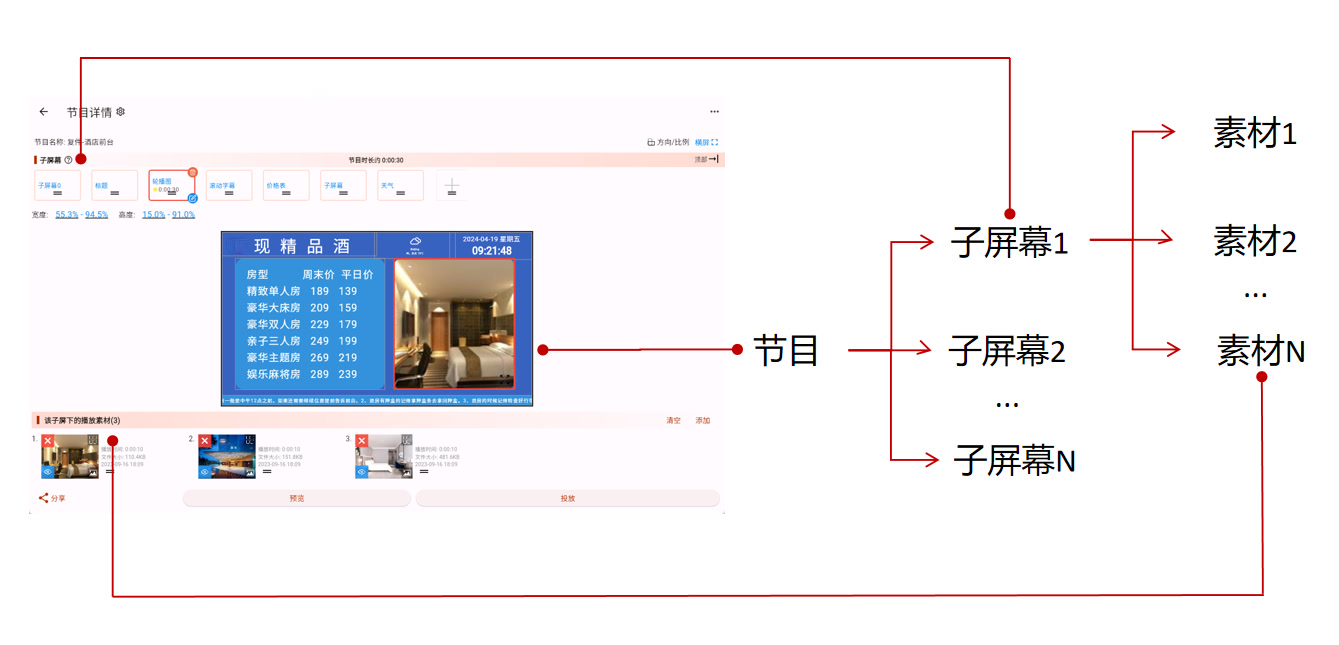
A program must contain at least one sub-screen, and each sub-screen can contain one or more materials.
You can think of it like this:
- One sub-screen only: suitable for the simplest full-screen playback
- Multiple sub-screens: suitable for menu boards, guidance screens, and information screens with more complex layouts
- One material inside a sub-screen: that material stays on screen continuously
- Multiple materials inside a sub-screen: those materials rotate in sequence
If This Is Your First Program, Start by Choosing a Creation Method
If you have not started yet, choose like this:
- Want the fastest way to get a usable program: see Create From Template
- Want to design the layout yourself from scratch: see Create From Zero
- Already have a similar program and only want to copy and modify it: see Copy From ID
What to Do After the Program Is Created
There are usually two next steps:
- If you want to understand the full editing workflow first, see How to Edit a Program
- If the layout is not right yet, continue adjusting sub-screens: see Sub-screen Editing
- If the layout is already fine, start adding content into each sub-screen: see Material Editing
You Can Edit Programs on Both Computer and Phone
This software provides multiple Admin End options. Whether you use a computer or a phone, you can edit programs. These docs mainly use the horizontal computer interface as the example, but the phone interface follows the same logic.
Here is a comparison of the horizontal and vertical interfaces:
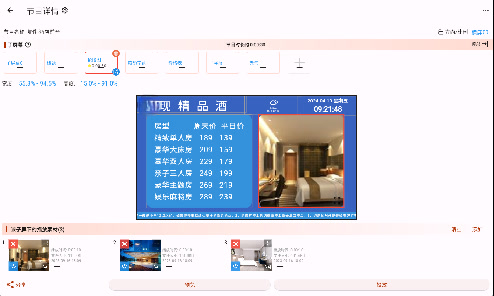 Horizontal Interface
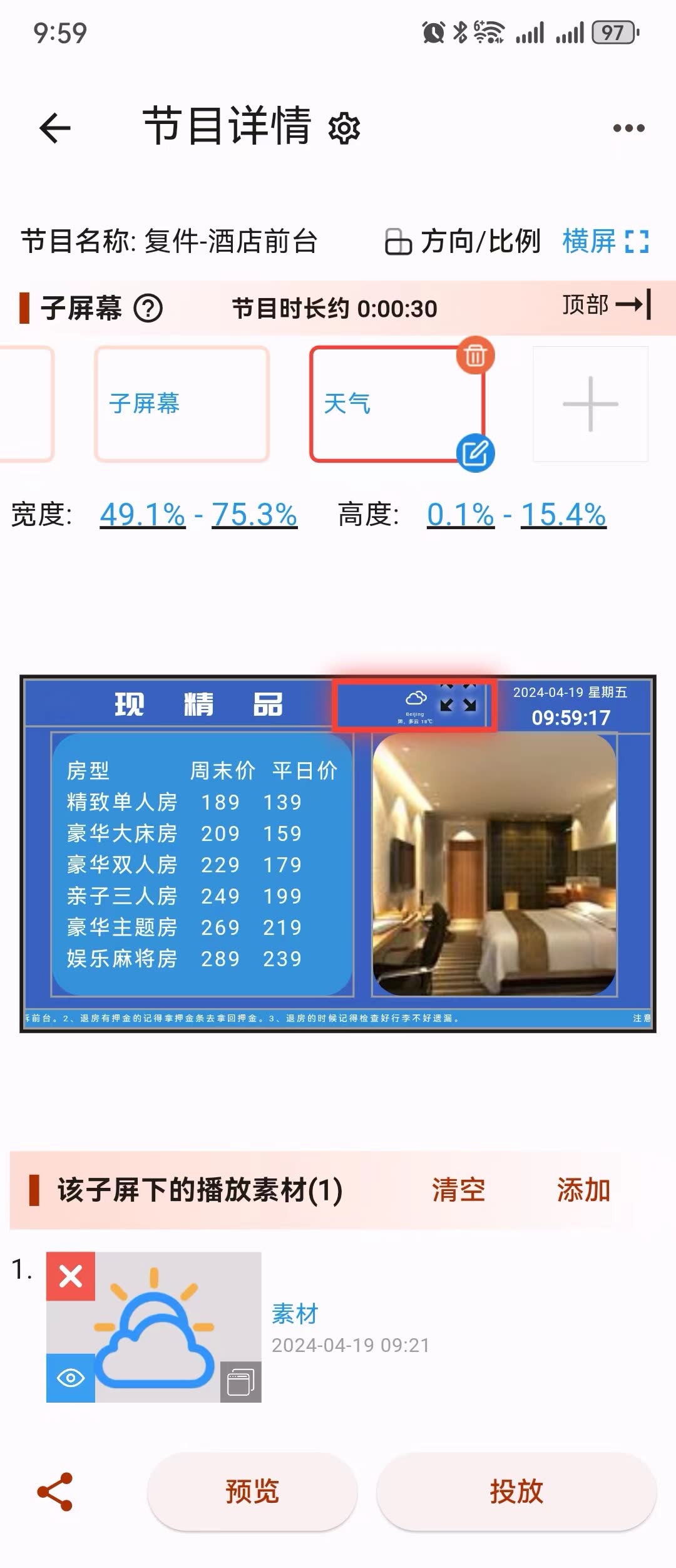 Vertical Interface